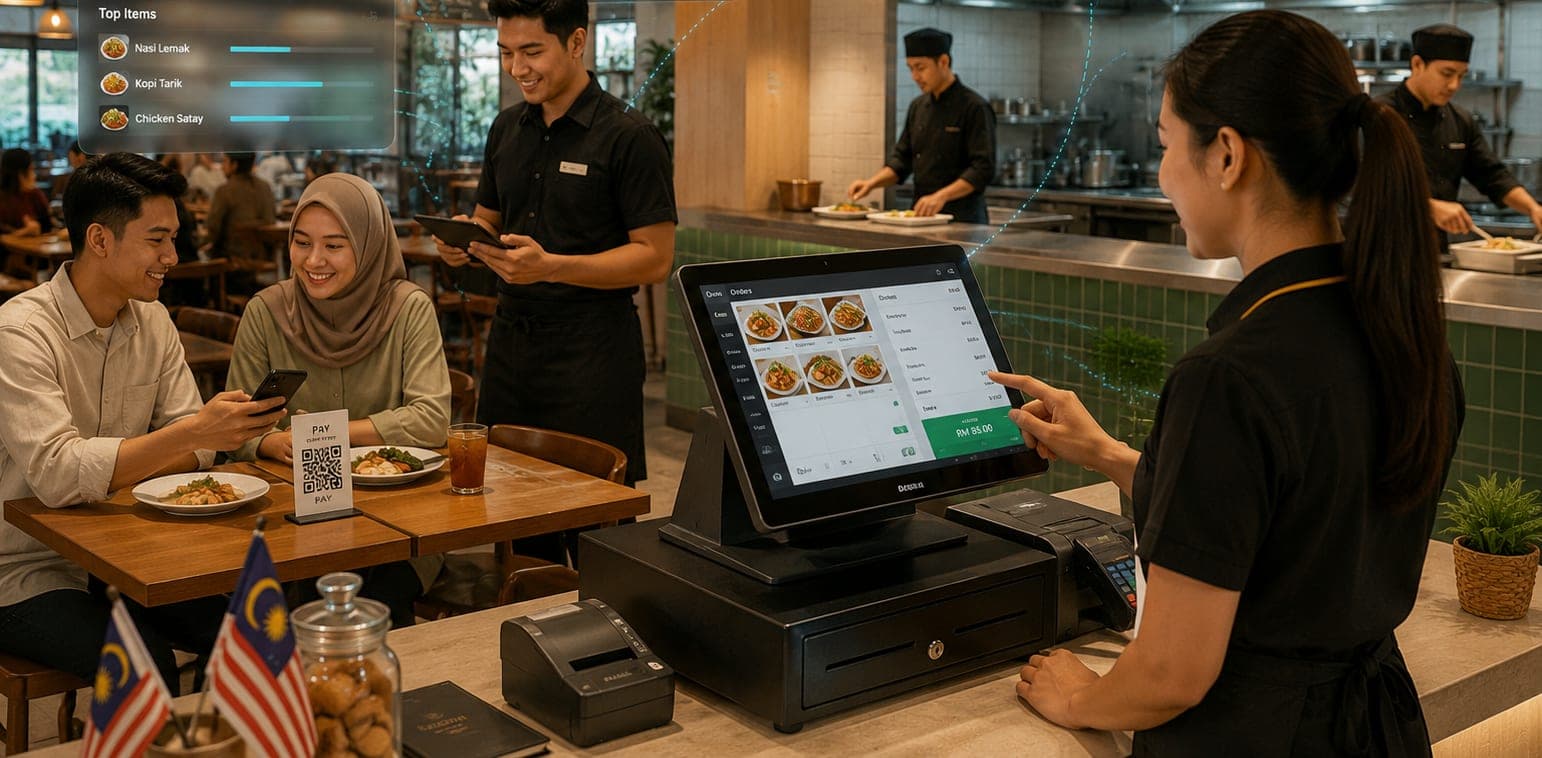
Your best Point Of Sale (POS) partner
We run the orders. You keep the money.
Guests scan and order from their phones, then pay you the way you choose: cash, your own card terminal or your DuitNow QR. No payment lock-in, and no gateway fees on your orders.
Where the money goes
Two paths. Only one of them runs through us.
The order travels through us
- Guest's phoneScans the table's QR code and orders
- MyOrder2UChecks prices against your menu and passes the order on
- Kitchen and cashierSee the order live, on their own screens
The money doesn't
- Guest paysAt your counter, when they're ready
- Your counterYour cash drawer, card terminal, DuitNow QR or e-wallet
- Your drawer or your bankCash stays with you. Everything else settles with your own provider
What comes back to MyOrder2U: whether the order is paid, how much, and by which method. Your cashier records it after taking the payment.
Order #0142
One order, four screens.
Each app runs on its own device and updates live, so nobody walks a slip across the room.
Guest
Scan, order, track it
No app to download. The guest scans the table's QR code, orders from their own phone and watches the order go from received to ready.
Kitchen
A live board, with a chime
New tickets appear on their own. Staff move them along and mark dishes sold out, so guests can't order what's run out.
Cashier
One bill for the whole table
Service charge, staff discount, SST and cash rounding are worked out for you. Take payment your way and print the receipt.
Owner
Your site, your menu
Build the front page, set your colours and logo, change prices and publish when you're ready. No developer needed.
No special hardware
Run it on whatever’s lying around.
Everything runs in a web browser. Open your restaurant’s address on any phone, tablet or laptop, enter the staff PIN, and it’s your kitchen screen or your till. Guests use their own phones.
What you need
- Wi-Fi or mobile data
- An up-to-date web browser
- Nothing to install. If a device dies, sign in on another one
Worth knowing
- Keep the kitchen device plugged in, with its sound on and its screen set not to sleep
- Taking cards at the counter still needs your own terminal. Cash needs nothing extra
- Bluetooth receipt printers work from Chrome or Edge, but not from an iPhone or iPad
Sales dashboard
Away from the shop? Your sales aren’t.
MyOrder2U runs online, so business owner can check your restaurant’s sales from home, from your other outlet or from anywhere you have a connection. Open your address on any phone or laptop and enter your Admin PIN.
- Total sales, paid orders and the average per order
- Sales by day, or by hour for a single day
- Your top dishes and how guests paid
- Open or refresh it whenever you want the latest figures
Included with Full Service and Multi-Tenant. See pricing
Made for how Malaysia bills
The receipt already adds up.
- SST and service charge at the rates you set
- Cash bills rounded to the nearest 5 sen
- Works with the card terminal and DuitNow QR you already have
- Chinese dish names on thermal receipts
- Malaysian mobile numbers at sign-in
Common questions
Am I locked into a payment provider?
No. Keep your counter terminal and your DuitNow QR, and switch them whenever you like. There’s no payment gateway to sign up for, and no gateway fees on your orders.
Can guests pay online from their phones?
Not yet. Built-in payment integration is in progress. For now, guests pay you at the counter, the way you choose. See How our product work.
Who handles refunds and disputes?
You do, at your counter or on your terminal. You are the seller and the money is in your account, so MyOrder2U can’t refund on your behalf.
Do guests have to install anything?
No. Everything runs in the phone’s browser. Guests can enter a mobile number or continue as a guest.
What hardware do I need?
Any phone, tablet or laptop with an up-to-date browser can be your kitchen or cashier screen. A receipt printer is optional, and most thermal printers will work.
Ordering for your dining business, made
Fast, Easy, Portable
Book a demo and see it running on your own menu.